
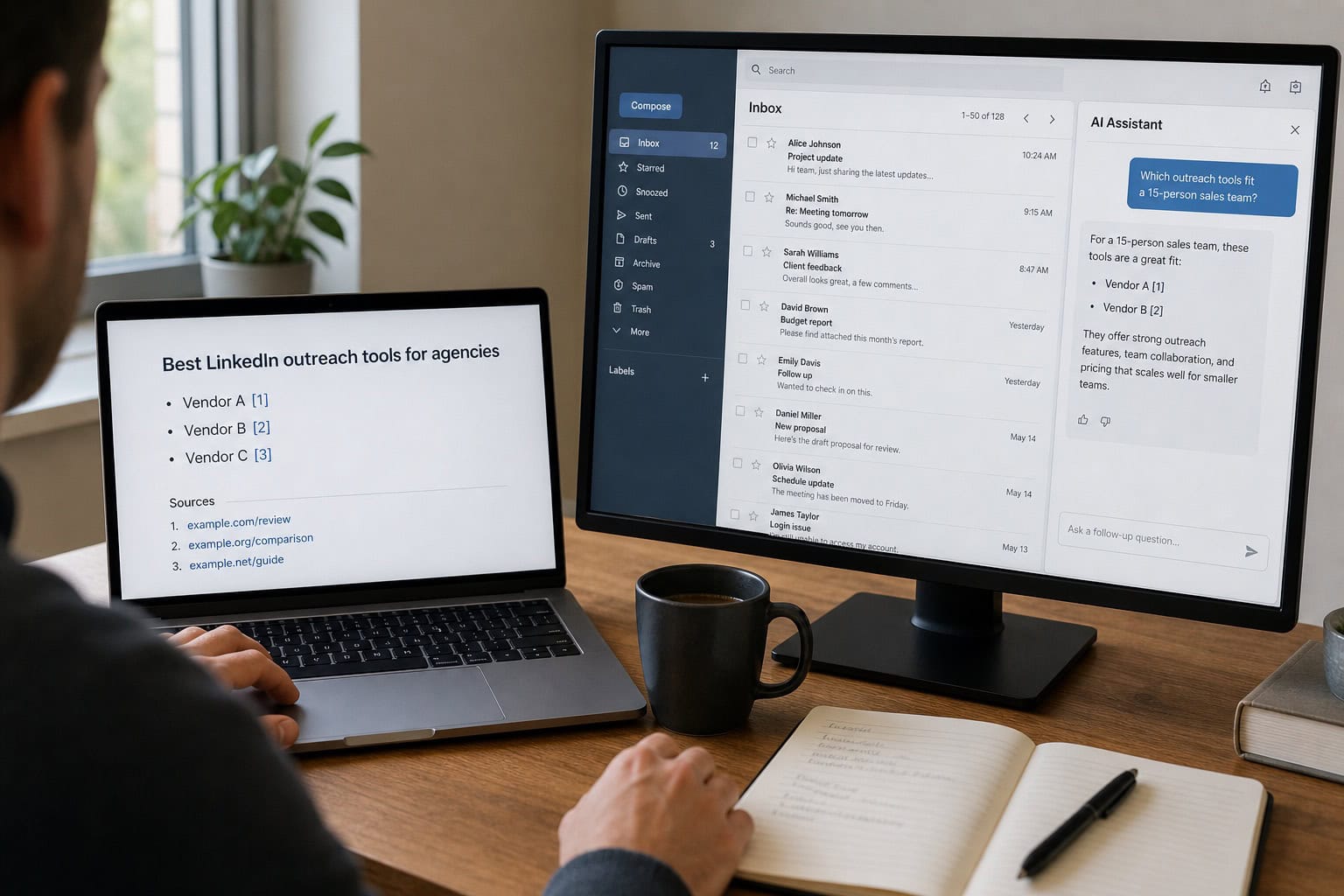
Short answer: Perplexity is where a buyer goes to research on purpose: it searches the web for every question and shows numbered sources. Microsoft Copilot is where a buyer asks in the middle of work, inside Edge, Windows, Teams or Outlook, and its web answers come from Bing. The two pick vendors from different sources, so a brand can lead in one and be missing from the other. Check each with the same buyer questions, then fix what each engine reads: the pages Perplexity cites, and your Bing indexing for Copilot.
ChatGPT gets most of the attention when people talk about AI and B2B buying. It deserves it: it’s the biggest by far. But B2B buyers aren’t a typical consumer audience. Many of them spend the day in Microsoft 365, where Copilot is one click away, and the most research-minded of them like Perplexity because it shows where every claim comes from.
If you only check ChatGPT, you’re blind to both. This guide compares the two engines from a vendor’s point of view: who uses them for what, where their answers come from, and how to check whether your company shows up.
Two different moments in the buying process
Perplexity: the deliberate researcher
Perplexity is built as an answer engine. Every question triggers a web search, and the answer comes with numbered citations you can click. It suits the buyer who is doing homework: comparing three vendors before a call, checking whether a tool integrates with their CRM, looking for complaints about a product they’re about to sign for.
Its audience is much smaller than ChatGPT’s, but it’s the audience that reads the sources, which is exactly the habit of a buyer building a shortlist.
Copilot: the buyer in the flow of work
Microsoft Copilot shows up in two forms. The consumer Copilot app and the Copilot in Edge and Windows answer anyone. Microsoft 365 Copilot sits inside Teams, Outlook, Word and the Microsoft Copilot app for business users. For web answers, Copilot writes a search query, sends it to Bing and grounds the reply in what comes back (Microsoft’s documentation). Microsoft says its family of Copilot apps passed 150 million monthly active users in October 2025, counting all of them together.
That second form is what matters for B2B. A sales director drafting a budget memo in Word can ask Copilot to “list three LinkedIn outreach tools that work for agencies, with prices” without opening a browser. If your company’s buyers run on Microsoft 365, Copilot is where many of their quick vendor questions go.
One catch: in Microsoft 365 Copilot, administrators can turn web search off for their organization with a policy called “Allow web search in Copilot”. It’s on unless someone changes it. When it’s off, Copilot answers from the company’s own files and the model’s training, and your website plays no part in that answer.
How each engine decides which vendors to name
| Perplexity | Microsoft Copilot | |
|---|---|---|
| Where the answer comes from | A live web search for every question | Bing search, when web search is on; otherwise the model’s own knowledge |
| How sources are shown | Numbered citations next to each claim | Linked citations under or within the answer |
| Crawler that reads your site | PerplexityBot | Bingbot |
| What you can control | Whether PerplexityBot can crawl you; the pages it tends to cite | Your Bing indexing; what Bing ranks for the question |
| Where buyers use it | Web, desktop and mobile apps, its own browser | Edge, Windows, the Copilot app, Teams, Outlook, Word |
| Where to see your data | No webmaster tool; check answers directly | Bing Webmaster Tools’ AI Performance report, plus checking answers directly |
Perplexity reads whoever it can find and cite
Because Perplexity searches every time, it reacts to the web quickly. A comparison article published last week can appear in its answers this week. Its crawler, PerplexityBot, is there to “surface and link websites in search results”, and Perplexity says it isn’t used to collect content for training AI models. Perplexity recommends allowing it if you want to appear in its results, and says robots.txt changes take effect within about 24 hours (Perplexity crawler docs).
Look at the citations Perplexity gives for buying questions in your own category and you’ll usually see the same few kinds of pages: review platforms, “best tools” roundups, comparison articles, forum threads and vendors’ own pages when they answer the question directly. A vendor that’s absent from those pages has little for Perplexity to cite.
Copilot reads Bing
Copilot has no AI crawler of its own. It uses Bing, which means your Bing indexing is your Copilot visibility. Many teams have never opened Bing Webmaster Tools, because Bing sends a small share of their search traffic. That reasoning made sense before Copilot. It doesn’t any more.
The good news: Bing gives site owners tools Google doesn’t. In February 2026 Bing Webmaster Tools added an AI Performance report that counts how often your pages are cited in Microsoft Copilot and Bing’s AI summaries, which pages get cited and a sample of the queries behind them. It doesn’t show your position in the answer or the clicks, but it’s the closest thing to first-party citation data that any AI engine offers. Bing also supports IndexNow, so you can tell it about new and updated pages the moment you publish them instead of waiting for the next crawl.
How to check your brand in Perplexity
- Write ten to twenty buyer questions without your brand name: category (“best LinkedIn automation tools for agencies”), problem (“how do small sales teams book meetings from LinkedIn”), alternatives (“alternatives to [competitor]”) and comparisons (“[competitor A] vs [competitor B]”).
- Ask each in a fresh thread, logged out or in a private window, so earlier questions don’t shape the answer.
- Record four things per answer: whether you’re named, your position in the list, how you’re described, and which sources Perplexity cited. Click the citations. Note whether your own pages appear and which third-party pages back your competitors.
- Run each question twice. Perplexity’s answers vary less than ChatGPT’s because they’re grounded in search results, but they still vary.
The citation list is the most useful part. It tells you, page by page, what Perplexity relied on to recommend your competitors. If a roundup names three of your rivals and not you, that article is a concrete target.
To skip the manual work, a free Perplexity visibility tracker runs ten buyer questions about your category on Perplexity and reports how often you’re named, whether your pages are among the numbered sources, and which pages it cited for each competitor.
How to check your brand in Copilot
- Use the same questions. Comparing engines only works with the same question set.
- Ask in the consumer Copilot (copilot.microsoft.com or the app), signed out or in a private window. If your buyers work in Microsoft 365, also ask in Microsoft 365 Copilot with web search on, if your own organization has it.
- Record the same four things. Copilot’s citations are Bing results, so look at which domains appear: they show you what Bing ranks for that question.
- Check Bing Webmaster Tools. Make sure your key pages (pricing, product, comparisons) are indexed, then open the AI Performance report to see which of them Copilot already cites. A page Bing hasn’t indexed can’t be cited.
The repetition is what makes this slow. A free Copilot visibility tracker asks Copilot ten work-style requests about your category, the kind a buyer types at their desk, and shows the brands it names, where you land in its replies and the Bing pages it cites as sources.
What to fix, engine by engine
If Perplexity leaves you out
- Make sure PerplexityBot can crawl you. Check robots.txt and your CDN’s bot settings. Blocks often come from a security setting, not a decision.
- Get onto the pages it cites. Look at the roundups and comparisons it uses for your category. Ask the authors to include you, with a short, factual pitch: what you do, who it’s for, what it costs.
- Answer the question on your own site. Perplexity cites vendor pages when they answer directly. A page titled “[Your product] for agencies” with concrete facts beats a generic features page.
- Keep facts current. Perplexity reads the live web, so an outdated pricing page gets quoted as is.
If Copilot leaves you out
- Verify your site in Bing Webmaster Tools and submit your sitemap. It takes ten minutes and many companies have never done it.
- Turn on IndexNow for new and updated pages. Several CMSs and SEO plugins support it.
- Check how you rank in Bing, not only Google, for your main buying questions. Copilot can only cite what Bing finds.
- Write for workplace questions. Copilot users often ask in a work context: “for a team of 15”, “that integrates with Salesforce”, “with SOC 2”. Pages that state those facts plainly give Copilot something to quote.
Which one should a B2B team prioritize?
Start with where your buyers spend their day.
- Enterprise and mid-market buyers in Microsoft shops: Copilot first. If your champions live in Outlook and Teams, that’s where their quick questions go.
- Technical buyers, analysts, founders: Perplexity first. These are the people who compare sources before they compare vendors.
- Everyone else: check both, plus ChatGPT. The same question set across all three takes an extra hour and tells you which gap is biggest.
The mistake to avoid is assuming that showing up in one means showing up in the others. The engines read different indexes and weigh different pages. It’s common for a brand to be the first pick in Perplexity and missing from Copilot, or the reverse.
FAQ
Can Perplexity cite my site if I block PerplexityBot?
Don’t count on it. PerplexityBot is the crawler Perplexity uses to surface and link websites in its results, and Perplexity’s own advice to site owners who want to appear there is to allow it. Check robots.txt and your CDN’s bot settings before you look for other reasons.
Does Microsoft 365 Copilot use my company’s website?
Only when web search is on. Then it looks things up on Bing and can cite your public pages like any other site. With web search off, it answers from your organization’s own content and the model’s general knowledge.
Is Bing Webmaster Tools worth setting up just for Copilot?
Yes. It’s free, takes a few minutes if your site is already verified in Google Search Console (you can import from there), and its AI Performance report is the only place Microsoft shows you how often Copilot cites your pages.
How often should we check Perplexity and Copilot?
Monthly is a sensible baseline. Perplexity reacts to new pages within days, so check more often while you’re actively pitching roundups or publishing comparisons.
Can we track Perplexity and Copilot together with ChatGPT?
Yes, and it’s the most useful view, because the gaps differ by engine. Run the same question set across all of them and compare mention rates side by side, so you can see which engine needs work first.