
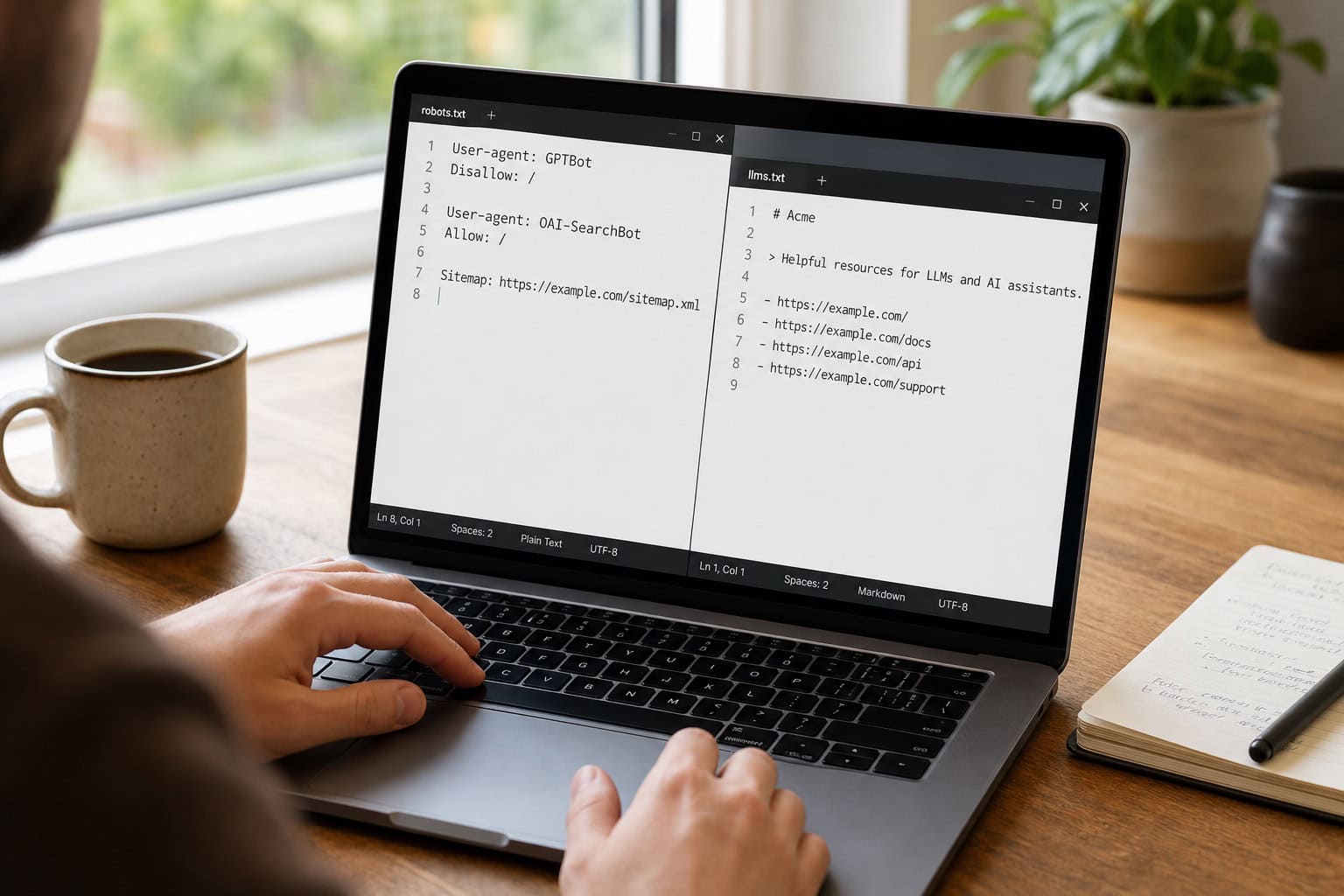
Short answer: yes, to the crawlers that fetch pages for AI answers. Blocking OAI-SearchBot, PerplexityBot or Claude-SearchBot takes your site out of the answers buyers read in ChatGPT, Perplexity and Claude, and nothing on the other side of the scale makes that worth it for a company that sells software. Blocking training crawlers such as GPTBot is a real choice with a smaller cost. An llms.txt file is cheap to publish and harmless, but no major AI engine has said it reads one, so it comes after robots.txt, not instead of it.
A B2B buyer who asks ChatGPT for “the best LinkedIn outreach tool for a ten-person agency” gets a short list of vendors and a few links. The links are the pages ChatGPT’s search crawler was allowed to fetch. If your robots.txt says no to that crawler, your pricing page, your comparison pages and your case studies can’t be among them, however good they are.
Most marketing teams never decided to block AI crawlers. The rule arrived with a security plugin, a CDN setting or a robots.txt template someone copied in 2023, when the news was full of publishers blocking GPTBot. This guide explains what each AI crawler does, what blocking it costs you, and how to check what your site says today.
Not all AI crawlers do the same job
“AI crawler” covers three different kinds of bot, and robots.txt lets you treat each one separately. The difference matters because blocking one kind costs you almost nothing and blocking another takes you out of AI answers.
- Training crawlers collect text that future models learn from. Blocking them keeps your pages out of the next training run. It does not remove you from answers people get today.
- AI search crawlers fetch pages so an assistant can quote and link to them in an answer. This is the AI version of Googlebot, and blocking it is the expensive mistake.
- User fetchers open a page because a person asked the assistant to, for example by pasting your URL into ChatGPT and asking for a summary. Several operators say robots.txt may not apply to these, because a human started the request.
Here are the crawlers from the companies B2B buyers actually use, with what each operator says the bot is for.
| Crawler | Operator | Kind | What it’s for |
|---|---|---|---|
| OAI-SearchBot | OpenAI | AI search | Pages shown and cited in ChatGPT search |
| GPTBot | OpenAI | Training | Training OpenAI’s models |
| ChatGPT-User | OpenAI | User fetch | Pages a ChatGPT user asks it to open |
| PerplexityBot | Perplexity | AI search | Perplexity’s index for cited answers, not training |
| Perplexity-User | Perplexity | User fetch | Pages a Perplexity user asks it to open |
| Claude-SearchBot | Anthropic | AI search | Search results for Claude’s answers |
| ClaudeBot | Anthropic | Training | Training Anthropic’s models |
| Claude-User | Anthropic | User fetch | Pages a Claude user asks it to open |
| Google-Extended | Training token | Gemini training and grounding in Gemini apps; no effect on Google Search | |
| Bingbot | Microsoft | Search | Bing search, which also grounds Copilot |
| CCBot | Common Crawl | Training | An open web archive many models train on |
Sources: OpenAI, Perplexity, Anthropic, Google, Bing, Common Crawl.
Two rows deserve a second look. Google-Extended is not a crawler at all: it’s a name you can write in robots.txt, and Googlebot reads the rule. Blocking it keeps your content out of training future Gemini models and out of grounding in the Gemini apps. Google says it does not affect your inclusion in Google Search, and AI Overviews and AI Mode are part of Search. Microsoft has no separate AI crawler. Copilot answers from the Bing index, so if Bingbot can crawl you, Copilot can find you.
What blocking each kind of crawler costs
Blocking AI search crawlers: you disappear from the answer
OpenAI’s documentation is direct about this: a site that opts out of OAI-SearchBot will not be shown in ChatGPT search answers, though it can still appear as a plain navigational link. Perplexity tells site owners to allow PerplexityBot if they want to appear in its results. For a B2B company, these are the crawlers that put your pages in front of a buyer while the shortlist is being written. There is no upside to blocking them unless you have content that should never be summarized anywhere, and that content shouldn’t be on a public URL either.
Blocking training crawlers: a smaller, slower cost
Blocking GPTBot or ClaudeBot keeps your pages out of future training data. You keep appearing in search-backed answers, because those come from the search crawlers above. The cost shows up later and more quietly: a model that has never read your site knows less about you when it answers from memory, without searching. For a newer brand, that memory is often thin anyway, so the search crawlers do most of the work.
Publishers block training crawlers because their articles are the product. A SaaS company’s pages are marketing. Most B2B teams are better off letting the models learn what the product does, who it’s for and what it costs, in your own words, rather than from a three-year-old forum thread. That’s a judgment call, and legal or security teams sometimes make it differently. Just make it on purpose.
Blocking user fetchers: mostly symbolic
When a buyer pastes your pricing page into ChatGPT and asks “is this cheaper than what we use now?”, ChatGPT-User fetches the page. OpenAI says robots.txt rules may not apply to these user-initiated requests, and Perplexity says Perplexity-User generally ignores robots.txt. Anthropic is the exception: it says Claude-User follows robots.txt. A Disallow line here is a request at best. If you need to stop these fetches for real, that’s a firewall rule, not a robots.txt line, and for a sales-led company it’s hard to think of a reason to.
A robots.txt that works for most B2B SaaS sites
If you want AI answers to cite you and you’re comfortable with training, the simplest robots.txt is the one that doesn’t mention AI crawlers at all. A crawler with no group of its own follows the User-agent: * rules, so it can read everything those rules allow.
If you’d rather opt out of training but stay in AI answers, name the training crawlers and leave the search crawlers alone:
User-agent: *
Disallow: /app/
Disallow: /admin/

User-agent: GPTBot
User-agent: ClaudeBot
User-agent: Google-Extended
User-agent: CCBot
Disallow: /

Sitemap: https://www.example.com/sitemap.xml
Notice what isn’t there: no rules for OAI-SearchBot, PerplexityBot, Claude-SearchBot or Bingbot. They fall under User-agent: * and can read your marketing pages. Rules for the app and admin paths keep everyone out of places that only make sense behind a login.
One detail trips people up. A crawler that has its own group ignores the * group completely. If you write a group for GPTBot that only says Disallow: /pricing/, GPTBot will happily read /admin/, because the * rules no longer apply to it. Repeat the shared rules in every named group.
Five mistakes that block AI search without anyone noticing
- Writing the product’s name instead of the crawler’s.
User-agent: ChatGPTorUser-agent: Perplexitymatches no crawler, so the rule does nothing. The bots send tokens like OAI-SearchBot and PerplexityBot. - Using retired names.
anthropic-aiandclaude-webare old Anthropic tokens. A rule for them blocks nothing today; Anthropic’s crawlers are ClaudeBot, Claude-SearchBot and Claude-User. - Blocking everything to “stop AI”. A blanket
User-agent: * Disallow: /copied from a staging site removes you from Google and Bing too, which also takes you out of AI Overviews and Copilot. - Trusting robots.txt when the CDN decides. Some CDN and security settings block AI bots before they ever read robots.txt. If your file allows OAI-SearchBot and the firewall returns 403, the firewall wins. Ask whoever runs the CDN, or check the bot settings yourself.
- Blocking one crawler, meaning another. Teams block GPTBot to stop training and believe they’ve left ChatGPT. They haven’t: ChatGPT search uses OAI-SearchBot. The reverse happens too.
You can see which of these apply to your site in a minute: a free robots.txt tester for AI crawlers shows, for any URL on your domain, whether Googlebot and each AI bot may fetch it and which line decides. If GPTBot is the one you’re unsure about, the GPTBot reference page lists what OpenAI says it does, how to block it, and how to tell it apart from OpenAI’s other two crawlers.
What llms.txt is, and what it isn’t
llms.txt is a proposal by Jeremy Howard, published at llmstxt.org in September 2024 and revised in August 2026. The idea: put a Markdown file at yourdomain.com/llms.txt (the current version also allows one per section, such as /docs/llms.txt) that gives a language model a short, clean map of your site, so it doesn’t have to dig through navigation, scripts and cookie banners to find what matters.
The format is simple. An H1 with your product’s name (the only required part), a one-paragraph summary in a blockquote, then sections of links, each with a short description of the page behind it:
# Acme Outreach

> LinkedIn and email outreach automation for sales teams and agencies.

## Product

- [Pricing](https://example.com/pricing): plans, seat limits and what each includes
- [Integrations](https://example.com/integrations): CRMs and tools Acme Outreach connects to

## Optional

- [Blog](https://example.com/blog): guides on LinkedIn prospecting
By convention, a section called “Optional” holds links a model can skip when it’s short on space.
robots.txt tells crawlers where they may go. llms.txt tells a model what’s worth reading. One is an instruction, the other is a reading list, and neither replaces the other.
Does anything read it?
This is where the honest answer is less exciting. As of November 2026, none of OpenAI, Anthropic, Perplexity or Microsoft has said that its search or answer engine uses llms.txt to decide what to cite. Google has said the opposite: its guidance on AI features says you don’t need AI text files like this, because Google Search doesn’t use them. Where llms.txt does get used is closer to developers: coding assistants and agents that are pointed at a product’s documentation, and documentation platforms that generate the file automatically.
So treat it as a small, low-risk bet, not a ranking lever. For a SaaS with an API, docs or a help center, it’s worth the hour: developers who ask an AI assistant how to integrate with you get a cleaner path to the right page. For a five-page marketing site, it changes very little.
If you decide to publish one, don’t write it by hand from memory. A free llms.txt generator reads your sitemap and pages and writes the file from your own titles and descriptions, then lists the pages that have no description to give, which is a useful content audit on its own.
What to do this week
- Open your robots.txt (
yourdomain.com/robots.txt) and look for any group that names an AI crawler, plus anyDisallow: /underUser-agent: *. - Test your key URLs, not just the homepage: pricing, the product pages and your best comparison or “alternatives” pages. Those are the pages AI answers quote.
- Decide on training on purpose. Allow it, or block the training crawlers by name while leaving the search crawlers alone. Write the decision down, so the next site migration doesn’t undo it.
- Ask your CDN or security admin whether bot protection blocks AI crawlers, and compare that with what robots.txt says.
- Publish llms.txt if you have docs, and keep it short. Skip it if you have nothing beyond a marketing site.
- Check the answers themselves. robots.txt tells you whether an assistant can read you, not whether it recommends you. That second question needs its own check.
FAQ
Does blocking GPTBot remove my site from ChatGPT?
No. GPTBot collects training data. ChatGPT search uses a different crawler, OAI-SearchBot, and OpenAI says the two are controlled separately. Block GPTBot and allow OAI-SearchBot, and you stay in ChatGPT search answers while staying out of future training.
Does blocking Google-Extended remove me from AI Overviews?
No. Google says Google-Extended does not affect inclusion in Google Search. AI Overviews and AI Mode are part of Search and use Googlebot. The only way to leave them is to restrict Googlebot itself, for example with nosnippet, which also changes how you look in ordinary results.
How do I make sure Microsoft Copilot can see my site?
Let Bingbot crawl it. Copilot’s web answers come from Bing, and Microsoft doesn’t run a separate AI crawler. Bing Webmaster Tools shows whether your pages are indexed, and its AI Performance report shows how often Copilot cites them. Bing has also announced separate page-level controls for AI training and AI grounding, starting in February 2027; they default to allow.
How long does a robots.txt change take to work?
Crawlers re-read robots.txt on their own schedule. OpenAI and Perplexity both say a robots.txt change takes about 24 hours to reach their systems. Removing a block doesn’t put you back in answers instantly: the crawler still has to come back and fetch the pages.
Is llms.txt the same as robots.txt for AI?
No. robots.txt is a standard (RFC 9309) that well-behaved crawlers follow to decide what they may fetch. llms.txt is an optional, unofficial reading list for language models. A page blocked in robots.txt stays blocked whether or not it’s listed in llms.txt.
Should we block AI crawlers to protect our content?
For pricing, features and comparisons, no: you want those quoted correctly. If you have gated content, research you sell, or customer data, protect it with a login, not robots.txt. robots.txt is a public file and a polite request, so it lists the paths you’d rather hide for anyone who reads it.